
.webp)
Published: December 4, 2025
Cloud kitchens have grown rapidly in the last few years, and efficient billing is now one of the most important parts of running a delivery-first food business. Unlike dine-in restaurants, cloud kitchens depend heavily on accurate order tracking, GST compliance, delivery partner integration, and real-time invoice generation.
This guide explains how cloud kitchens can generate bills easily, avoid errors, and ensure compliance while maintaining fast operations.
Table of Contents
What Is Cloud Kitchen Billing?
Cloud kitchen billing refers to the process of generating accurate digital invoices for food orders received from delivery apps, websites, or WhatsApp.
A proper billing system helps you:
- Track orders and revenue
- Maintain GST compliance
- Manage multiple brands inside one kitchen
- Reduce billing errors and fraud
- Sync orders with Swiggy, Zomato, and delivery platforms
- Produce reports for accounting and audits
Cloud kitchens typically rely on digital bills instead of physical receipts.
Why Billing Is Crucial for Cloud Kitchens
Billing has a direct impact on your profitability and daily workflow. A proper billing system ensures:
1. Accurate GST Calculations
Cloud kitchens must charge SGST, CGST, or IGST correctly based on location.
2. Seamless Order Management
Billing software helps manage multiple orders from multiple platforms in real time.
3. Multiple Brand Handling
Many cloud kitchens run 2–10 virtual brands. Billing tools separate data and reports for each brand.
4. Fast Accounting and Report Generation
Digital bills simplify monthly sales, cancellations, commission deductions, and tax filing.
5. Reduced Manual Mistakes
Automation prevents errors in pricing, item entry, and tax computation.
How to Generate Cloud Kitchen Bills Easily (Step-by-Step Guide)
Step 1: Choose a Digital Billing System
Your billing system should offer:
- GST billing
- Menu syncing
- Order integration
- PDF invoice generation
- Daily sales reports
Cloud kitchens should avoid manual billing because it increases errors.
Step 2: Add Your Menu and Pricing
Set up:
- Item names
- Variants
- Add-ons
- Packaging charges
- Taxes
Make sure your menu matches Swiggy, Zomato, Instagram Order Form, and website pricing to avoid mismatched bills.
Step 3: Set Up GST, Delivery Fees, and Charges
A standard cloud kitchen bill includes:
- Food item price
- Packaging fee
- Delivery charge (if self-delivery)
- SGST + CGST or IGST
- Discounts
- Coupon codes
Incorrect GST settings are a common source of penalties during audits.
Step 4: Sync Orders From Delivery Platforms
A good POS for cloud kitchens will auto-fetch orders from:
- Swiggy
- Zomato
- Uber Eats (in some regions)
- Your website
- WhatsApp Order Form
This ensures every order is billed instantly without manual entry.
Step 5: Generate and Share Bills
Bills should be delivered automatically through:
- PDF download
- SMS
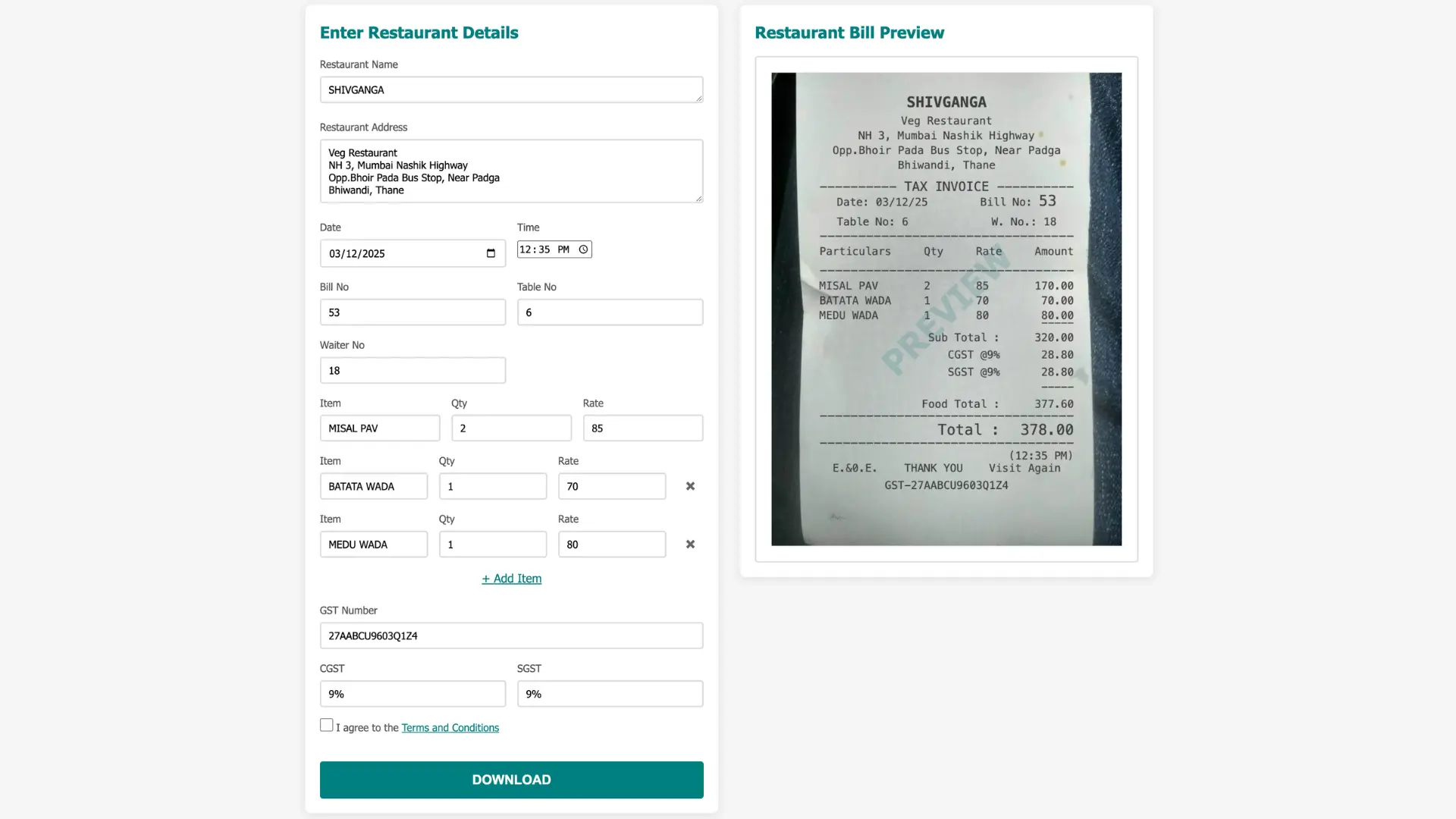
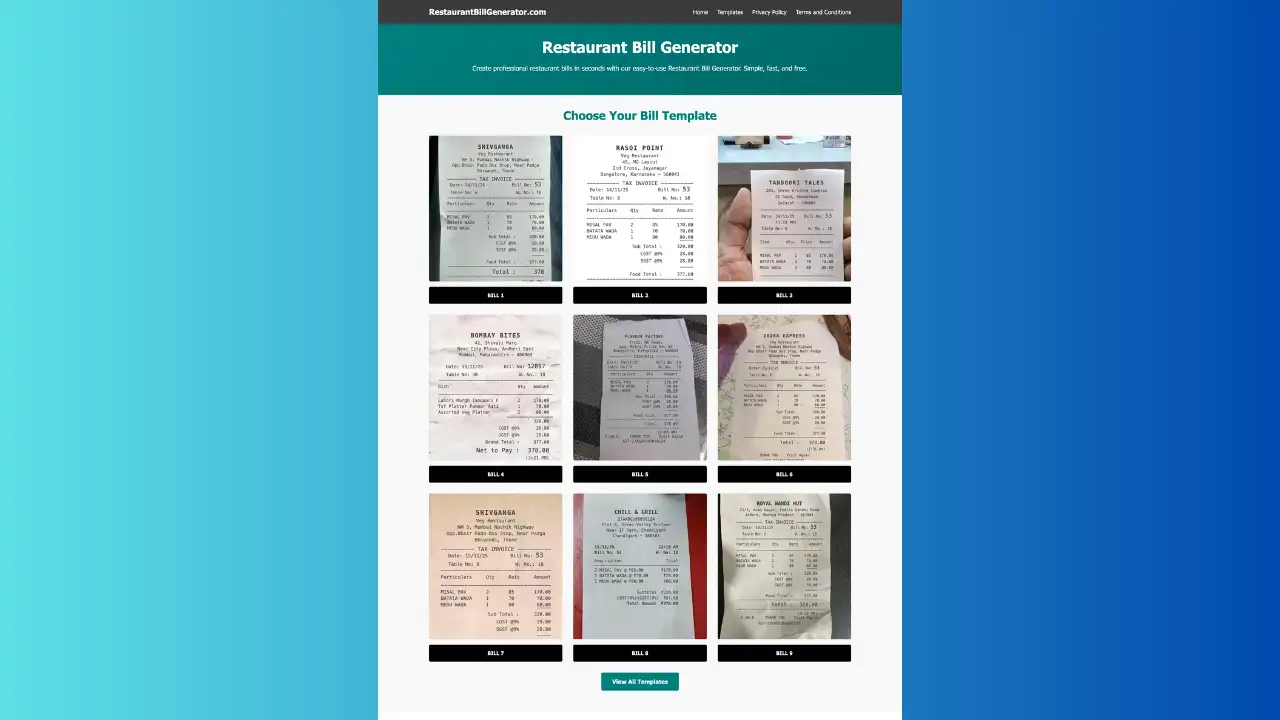
For walk-in or takeaway orders, use an online restaurant bill generator for quick invoicing.
Step 6: Track Daily and Monthly Reports
A cloud kitchen POS should generate:
- Daily sales
- Platform-wise sales
- Cancellations
- Refunds
- Commission deductions
- GST summary reports
These reports simplify financial planning and tax filing.
Best Billing Options for Cloud Kitchens in 2026
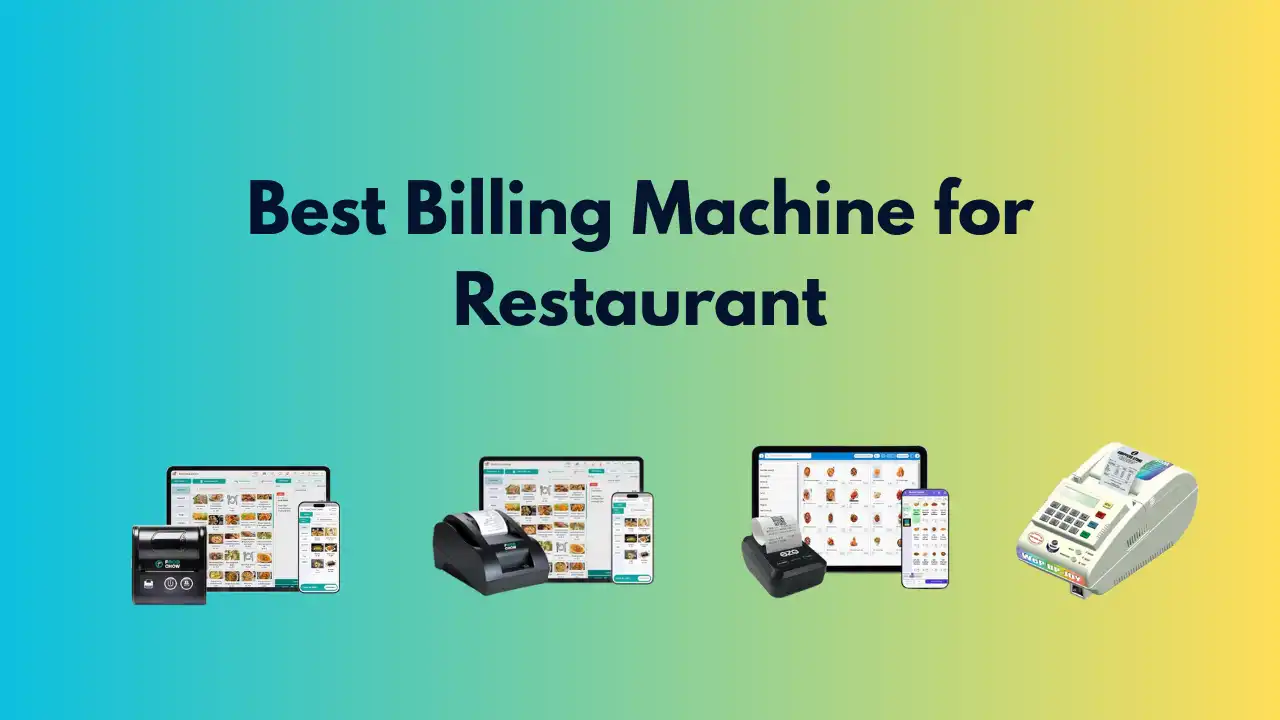
Here are reliable solutions used widely in the industry:
1. Petpooja
Multi-brand support, menu management, delivery integration, GST billing.
2. DotPe
Good for WhatsApp ordering, website integration, and digital invoices.
3. Posist
Popular enterprise-level POS, real-time analytics.
4. UrbanPiper (for integration)
Syncs orders from all delivery platforms, works with most POS systems.
5. Online Restaurant Bill Generators
Useful for small cloud kitchens or backup billing when POS fails.
Tips to Improve Cloud Kitchen Billing Efficiency
Use Instant Order Syncing
Avoid manual entry of orders to prevent mistakes.
Keep Menu Pricing Consistent
Mismatch between Swiggy and billing software creates errors.
Enable Auto-GST Calculation
Ensures clean audit trails.
Use Cloud Backups
Avoid data loss.
Train Staff Regularly
Ensure they understand taxes, add-ons, and accurate billing steps.
Conclusion
Billing is one of the most critical parts of cloud kitchen operations. With the right digital tools, you can automate invoices, maintain GST compliance, reduce mistakes, and optimize your business performance.
If you're running a cloud kitchen and need quick invoicing, you can use an online restaurant bill generator to create accurate bills instantly.
FAQ: Cloud Kitchen Billing
1. Do cloud kitchens need GST billing?
Yes. Cloud kitchens must issue GST-compliant invoices for every order according to government regulations.
2. Can cloud kitchens use manual billing?
They can, but it is not recommended. Manual billing leads to errors and compliance issues. Digital billing is the industry standard.
3. How do cloud kitchens track orders from Swiggy and Zomato?
Most cloud kitchens use POS systems that automatically sync orders from delivery platforms.
4. Which is the best billing software for cloud kitchens?
Popular options include Petpooja, Posist, DotPe, and cloud-based online bill generators.
5. Can a cloud kitchen run multiple brands with one billing system?
Yes. Most modern POS systems support multiple virtual brands under one dashboard.
.webp)
.webp)
.webp)