
.webp)
Published: December 4, 2025
Choosing the right POS system for your restaurant is one of the most important decisions you'll make. With so many options available, understanding which features truly matter can help you select a system that improves efficiency, reduces errors, and increases profitability.
This comprehensive guide covers all essential POS system features that restaurants should prioritize in 2026. From billing and payment processing to inventory management and analytics, we'll help you identify the features that will make the biggest impact on your operations.
Table of Contents
- Core Billing Features
- Payment Processing Features
- Inventory Management Features
- Menu Management Features
- Order Management Features
- Reporting and Analytics Features
- Staff Management Features
- Customer Management Features
- Integration Features
- Security and Compliance Features
- How to Choose the Right POS Features
- FAQ: POS System Features
Core Billing Features
Billing is the foundation of any restaurant POS system. Here are the essential billing features every restaurant needs:
1. Quick Bill Generation
A good POS system should generate bills instantly. Look for systems that allow you to:
- Add items quickly with barcode scanning or quick search
- Modify items and quantities easily
- Split bills for multiple customers
- Print or send bills digitally
2. GST-Compliant Billing
For restaurants in India, GST compliance is mandatory. Essential features include:
- Automatic GST calculation (SGST, CGST, IGST)
- GSTIN display on bills
- HSN/SAC code support
- GST reports for tax filing
- E-invoice generation (if required)
3. Discount and Promo Code Management
Restaurants frequently offer discounts and promotions. Your POS should support:
- Percentage-based discounts
- Fixed amount discounts
- Promo code validation
- Time-based offers (happy hours, lunch specials)
- Discount limits and restrictions
4. Multiple Bill Formats
Different order types require different bill formats:
- Dine-in bills with table numbers
- Takeaway bills
- Delivery bills with customer address
- KOT (Kitchen Order Ticket) generation
- Customizable bill templates
Payment Processing Features
Modern restaurants need to accept multiple payment methods. Essential payment features include:
1. Multiple Payment Methods
Your POS should support:
- Cash payments
- Credit and debit cards
- UPI payments (PhonePe, Google Pay, Paytm)
- Digital wallets
- QR code payments
- Online payment links
2. Payment Gateway Integration
For seamless digital payments, ensure your POS integrates with:
- Popular payment gateways (Razorpay, PayU, Stripe)
- Card swipe machines
- UPI payment apps
- Automatic payment reconciliation
3. Split Payment Support
Customers often want to split bills. Your POS should allow:
- Splitting bills by items
- Splitting bills by amount
- Multiple payment methods for one bill
- Partial payments and credit notes
Inventory Management Features
Effective inventory management prevents waste and reduces costs. Key features to look for:
1. Real-Time Stock Tracking
Your POS should automatically update inventory when items are sold:
- Automatic stock deduction on billing
- Low stock alerts
- Out-of-stock notifications
- Stock level visibility across outlets
2. Recipe-Based Costing
For accurate food cost calculation, look for:
- Recipe management (ingredients per dish)
- Automatic cost calculation based on ingredient prices
- Food cost percentage tracking
- Profit margin analysis
3. Purchase and Stock Entry
Manage incoming stock efficiently:
- Purchase order creation
- Stock entry and updates
- Supplier management
- Expiry date tracking
- Wastage and damage recording
Order Management Features
Efficient order management is crucial for smooth operations. Key features:
1. Table Management
For dine-in restaurants, table management features include:
- Visual table layout
- Table status (available, occupied, reserved)
- Order assignment to tables
- Table transfer and merge
2. KOT (Kitchen Order Ticket) Management
Kitchen operations require efficient order flow:
- Automatic KOT generation
- KOT printing to kitchen display or printer
- Order status tracking (pending, preparing, ready)
- Special instructions and modifications
3. Delivery Order Integration
For restaurants with delivery, integration with aggregators is essential:
- Automatic order sync from Swiggy, Zomato
- Order status updates
- Delivery partner assignment
- Delivery time tracking
4. Order Modifications and Cancellations
Handle order changes efficiently:
- Edit orders before preparation
- Cancel orders with reason tracking
- Refund processing
- Order history and audit trail
Reporting and Analytics Features
Data-driven decisions require comprehensive reporting. Essential reports include:
1. Sales Reports
Track your revenue with detailed sales reports:
- Daily, weekly, monthly sales summaries
- Item-wise sales analysis
- Category-wise performance
- Peak hour analysis
- Sales comparison (day-over-day, month-over-month)
2. Financial Reports
Monitor financial health with:
- Revenue reports
- GST reports (for tax filing)
- Payment method-wise collection
- Discount and promotion impact
- Profit and loss statements
3. Inventory Reports
Optimize inventory with:
- Stock level reports
- Fast-moving and slow-moving items
- Wastage reports
- Food cost analysis
- Purchase reports
4. Staff Performance Reports
Track staff productivity:
- Sales per staff member
- Bills handled per shift
- Average order value
- Cancellation and void reports
Staff Management Features
Effective staff management improves operations and reduces errors. Key features:
1. User Access Control
Control what each staff member can do:
- Role-based permissions (waiter, manager, admin)
- Restrict access to sensitive features (discounts, void bills)
- Login and logout tracking
- PIN or password protection
2. Shift Management
Track staff shifts and attendance:
- Shift scheduling
- Clock in/out functionality
- Shift-wise sales reports
- Attendance tracking
3. Commission and Tips Management
For restaurants with commission-based staff:
- Commission calculation
- Tips distribution
- Performance-based incentives
Customer Management Features
Build customer relationships with effective CRM features:
1. Customer Database
Maintain customer information:
- Customer contact details
- Order history
- Visit frequency
- Average order value
- Preferences and dietary restrictions
2. Loyalty Program Management
Reward repeat customers:
- Points accumulation
- Reward redemption
- Membership tiers
- Birthday offers and special promotions
3. Customer Feedback and Reviews
Collect and manage customer feedback:
- Feedback collection via SMS or email
- Review management
- Complaint tracking and resolution
Integration Features
Modern POS systems should integrate with other tools you use. Important integrations:
1. Delivery Platform Integration
Connect with food delivery aggregators:
- Swiggy integration
- Zomato integration
- Uber Eats integration
- UrbanPiper or similar aggregator platforms
2. Accounting Software Integration
Simplify bookkeeping with:
- Tally integration
- QuickBooks integration
- Excel export for accounting
- Automatic journal entry generation
3. Online Ordering Integration
Accept orders from your website or app:
- Website ordering integration
- Mobile app integration
- WhatsApp ordering
- Social media ordering
Security and Compliance Features
Protect your business and customer data with robust security features:
1. Data Security
Ensure your POS system protects sensitive data:
- Encrypted data storage
- Secure payment processing (PCI DSS compliance)
- Regular data backups
- Access logs and audit trails
2. Tax Compliance
Stay compliant with tax regulations:
- GST compliance and reporting
- Tax rate updates
- E-invoice generation (if required)
- Tax audit support
3. Data Backup and Recovery
Protect against data loss:
- Automatic cloud backups
- Data recovery options
- Offline backup capability
How to Choose the Right POS Features
Not every restaurant needs every feature. Here's how to prioritize:
1. Assess Your Restaurant Type
Different restaurant types have different needs:
- Fine Dining: Focus on table management, staff performance, and customer management
- Quick Service (QSR): Prioritize speed, payment processing, and inventory tracking
- Cloud Kitchen: Essential features include delivery integration, multi-brand support, and digital billing
- Café: Simple billing, payment processing, and basic inventory
2. Consider Your Budget
POS systems come with different pricing tiers:
- Basic plans: Core billing and payment features
- Standard plans: Add inventory and basic reporting
- Premium plans: Advanced analytics, integrations, and multi-outlet support
Start with essential features and upgrade as your business grows.
3. Evaluate Ease of Use
Complex features are useless if your staff can't use them:
- Request a demo before purchasing
- Check if training is provided
- Look for intuitive interfaces
- Consider mobile-friendly options
4. Check Support and Updates
Ensure ongoing support:
- 24/7 customer support availability
- Regular software updates
- Local support team (important in India)
- Documentation and help resources
FAQ: POS System Features
1. What are the most important POS features for a small restaurant?
For small restaurants, prioritize core billing features, payment processing (cash, card, UPI), basic inventory tracking, and simple sales reports. These features cover most daily operational needs without overwhelming complexity.
2. Do I need inventory management features if I have a small menu?
Even with a small menu, inventory management helps prevent waste, track food costs, and identify fast-moving items. Basic inventory features are recommended for all restaurants, regardless of size.
3. Is GST compliance mandatory in POS systems?
If your restaurant is GST-registered, GST-compliant billing is mandatory. Your POS must calculate and display GST correctly, include GSTIN on bills, and generate GST reports for tax filing.
4. Can I use a POS system without internet?
Many POS systems offer offline mode for basic billing. However, features like cloud sync, delivery integration, and real-time reporting require internet. Check if your chosen POS supports offline operations if internet reliability is a concern.
5. How important is delivery platform integration?
If you accept orders from Swiggy, Zomato, or other aggregators, integration is highly recommended. It eliminates manual order entry, reduces errors, and saves time. For dine-in only restaurants, this feature may not be necessary.
6. What reporting features are essential?
Essential reports include daily sales summaries, item-wise sales, payment method collection, GST reports, and basic inventory reports. Advanced analytics can be added as your business grows.
7. Should I choose cloud-based or on-premise POS?
Cloud-based POS systems offer better flexibility, automatic updates, and multi-device access. On-premise systems provide more control but require maintenance. For most restaurants, cloud-based solutions are recommended.
8. How do I know if a POS system has all the features I need?
Request a detailed feature list and live demo from the POS provider. Test the system with your actual use cases. Many providers offer free trials—use them to evaluate features before committing.
Conclusion
Choosing the right POS system features is crucial for restaurant success. While every restaurant has unique needs, core features like GST-compliant billing, payment processing, inventory management, and reporting are essential for most operations.
Prioritize features based on your restaurant type, size, and budget. Start with essential features and add advanced capabilities as your business grows. Remember, the best POS system is one that your staff can use effectively and that helps you run your restaurant more efficiently.
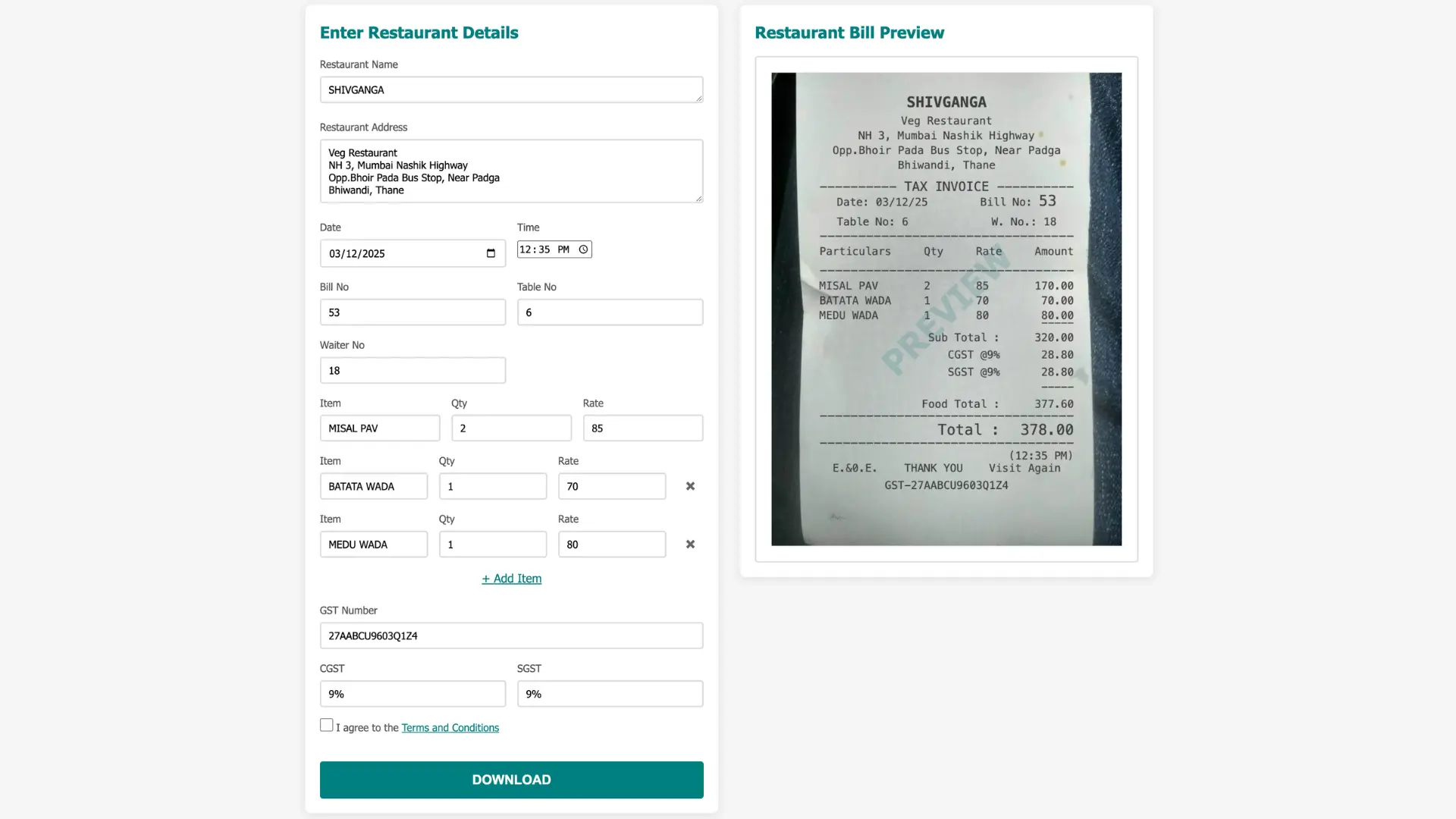
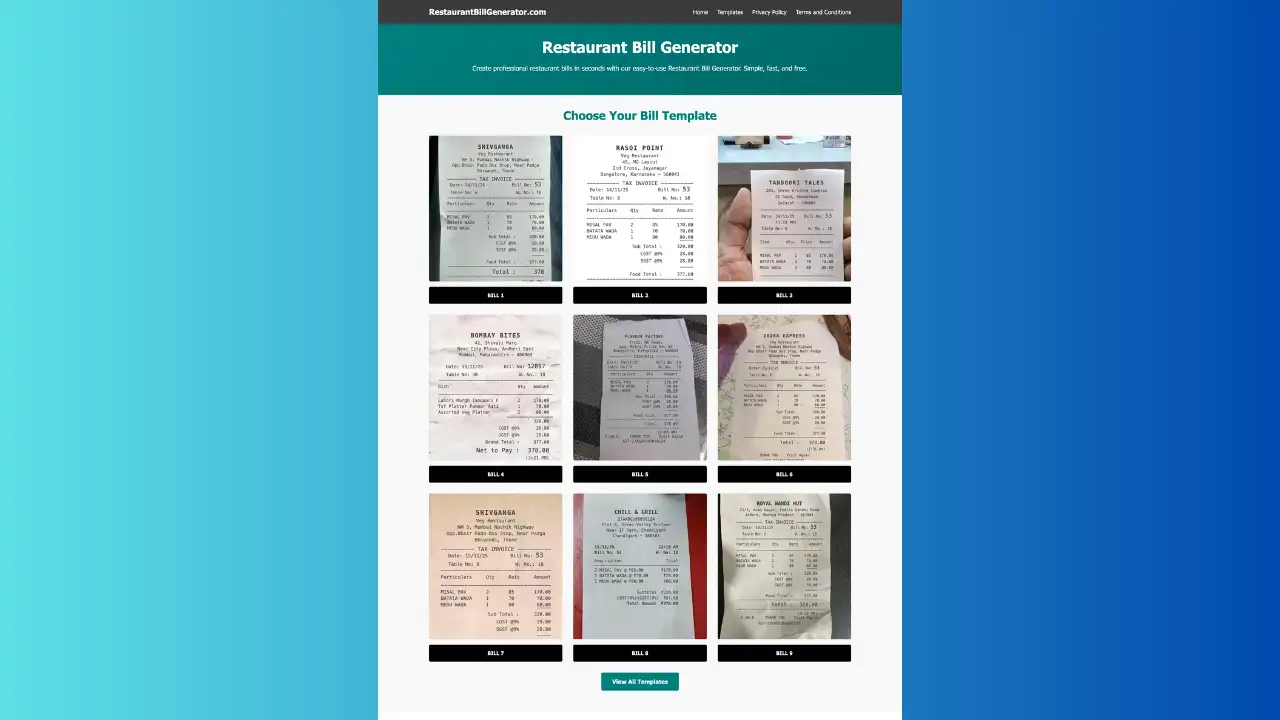
If you need to create professional restaurant bills quickly while evaluating POS systems, you can use an online restaurant bill generator to generate GST-compliant invoices instantly.
.webp)
.webp)
.webp)